
JazzCash App Complete Guide to Download, Registration, Features, and Account Safety 2026
Just Now
21MB
v1.022
Android 5.0
1.5k
Description
Introduction
JazzCash is a digital financial service in Pakistan that helps people manage everyday payments using a mobile phone. Whether you want to send money to a family member, pay a utility bill, purchase mobile balance, or review your transaction history, JazzCash provides a range of services designed to make routine financial tasks more convenient.
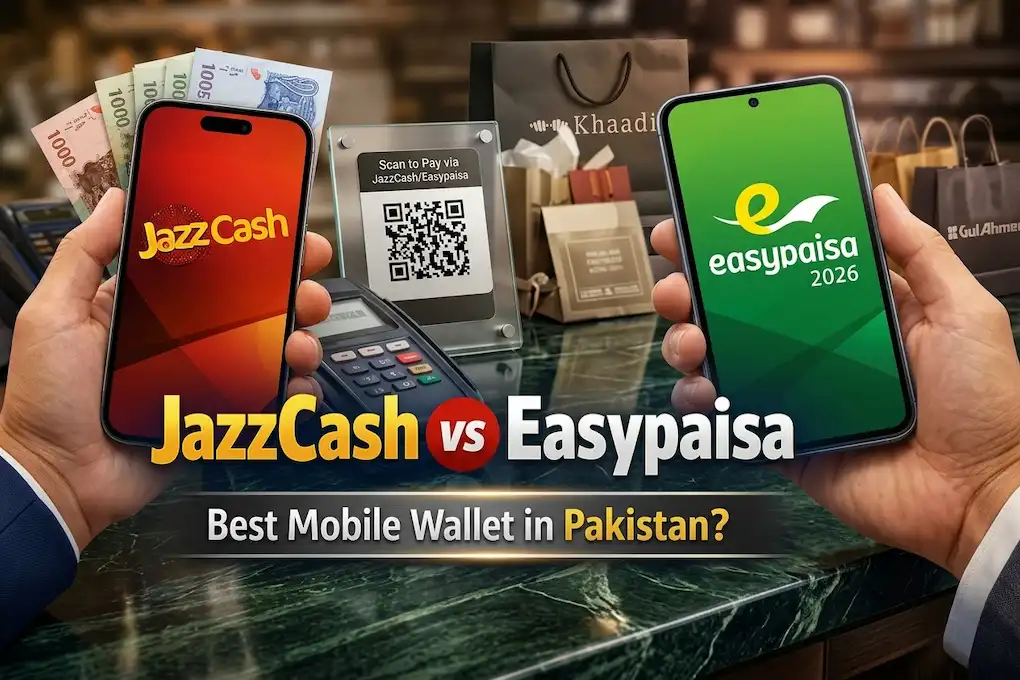
Many people search for the JazzCash app download process, account registration, JazzCash helpline number, and instructions for checking their account balance. New customers often want to learn how to make a JazzCash account, while existing users may need help with login issues, account verification, or changing their registered mobile number.
This complete guide explains JazzCash in simple English. It covers the app’s main features, installation steps, registration process, payment options, security practices, and common account problems. You will also learn what to do if a transaction fails or you need to close an account.
The aim is to provide practical information without exaggerated promises. Financial services have different eligibility requirements, transaction limits, and charges, so checking the current official terms is always important. Try this new app Easypaisa
What Is JazzCash?
JazzCash is a mobile wallet and digital financial services platform in Pakistan. It enables eligible customers to access supported payment and money-transfer services through a smartphone or other available service channels.
The platform is useful for people who prefer electronic payments over handling cash for every transaction. Depending on the service available to an individual account, customers may be able to transfer money, pay bills, purchase mobile top-ups, and access additional financial services.
The JazzCash app brings many of these functions together in one interface. Users can navigate between available services, review account information, and check transaction details.
Who Can Use JazzCash?
JazzCash is intended for eligible customers who meet its current account-opening and identity-verification requirements. The information required during registration may depend on the account type and applicable regulations.
Before opening an account, check the official eligibility criteria and ensure your identity details are accurate. Do not use another person’s identity or attempt to bypass verification requirements.
Why Do People Use JazzCash?
People may use JazzCash for everyday financial activities such as:
- Sending money to supported mobile wallets or bank accounts.
- Paying eligible electricity, gas, telephone, and other bills.
- Purchasing mobile balance and available bundles.
- Checking account balances and transaction records.
- Making supported merchant or QR payments.
- Accessing eligible financial services through their mobile devices.
The exact services available can vary. Always check the options displayed in your account before assuming that a particular payment method or feature is supported.
JazzCash App Download for Android and iOS
Downloading the official application is the recommended way to access JazzCash services from a smartphone. Android users can search for the official JazzCash app on Google Play, while iPhone users can check Apple’s App Store.

JazzCash mobile wallet
Digital payments and financial services in Pakistan
For supported Android and iOS devices
Android
Find the official application on Google Play.
Find JazzCash on Google Play
iPhone
Search for JazzCash in Apple’s App Store and verify the publisher.
Open Apple App Store
Official website
Visit JazzCash
Is a JazzCash APK Download Necessary?
An APK is an Android application installation file. Although APK files can be used to install Android apps, downloading a financial application from an unknown website can expose your device to modified software, data theft, or fraudulent login screens.
If the official JazzCash app is available through Google Play, use that version instead of searching for an unofficial APK.
Avoid modified applications that promise extra rewards, special account access, or ways to bypass verification. If the official app does not appear in your store, check device compatibility and consult the provider’s website before taking further action.
How to Download and Install JazzCash
The JazzCash installation process is similar to that of most other mobile applications.
- Open the appropriate app store. Use Google Play on Android or the Apple App Store on an iPhone.
- Search for JazzCash. Enter the app name and identify the official listing.
- Verify the publisher. Make sure the listing belongs to the legitimate service rather than an unrelated developer.
- Review the app information. Check compatibility, update details, privacy information, and requested permissions.
- Install the application. Tap the install or get option and wait for the download to finish.
- Open JazzCash. Allow the application to complete its initial setup.
- Follow the account instructions. Register or log in through the official interface.
What If JazzCash Does Not Install?
If the app fails to download, check your internet connection, device storage, and operating system version. Restarting the phone may also resolve a temporary issue.
If the application crashes after installation, check whether an official update is available. Do not immediately install an older version from an unfamiliar website.
Persistent problems should be reported through official JazzCash support channels.
How to Register and Log In to JazzCash
Creating an account is an important step for anyone who wants to use the platform’s digital financial services. The process should always be completed through official channels.
How to Make a JazzCash Account
If you are searching for how to make a JazzCash account, follow these general steps:
- Open the official JazzCash app or use another account-opening method confirmed by the provider.
- Select the registration option if you are a new customer.
- Enter your mobile number and other requested details.
- Complete the required identity-verification process.
- Enter a verification code only within the official registration process when requested.
- Create the required account PIN or security credentials.
- Review your information and complete the registration instructions.
The exact steps can change as the app is updated. You may need a valid Pakistani identity document and a mobile number that meets the provider’s requirements.
If you already have an account, avoid opening another one simply because you have forgotten your PIN. Use the official account-recovery process instead.
How to Open a JazzCash Account Without Confusion
People searching for how to open a JazzCash account should first confirm that they meet the current eligibility requirements. Registration details, verification steps, and account restrictions may depend on the type of account and applicable regulations.
Enter your information carefully. Incorrect details can create difficulties during verification or when you need assistance later.
Never register using another person’s identity without authorization, and do not pay an unknown person who claims they can create or verify an account on your behalf.
How to Log In to JazzCash
Existing customers can open the app and follow the login instructions shown on their screen. Depending on the current process, the app may request a registered mobile number, account PIN, or an additional verification step.
If you cannot log in:
- Check that you entered the correct details.
- Confirm that your internet connection is working.
- Update the app through the official store if necessary.
- Use the official recovery option if you have forgotten your PIN.
- Contact support if your account is blocked or verification fails.
Do not share your PIN or OTP with anyone offering to restore access to your account.
Main Features of JazzCash
JazzCash provides a selection of digital financial tools. The available features may vary according to account status, eligibility, and current service conditions.
User-Friendly Interface
The JazzCash app brings supported financial services into a single interface. Users can navigate through the available options to find transfers, payments, account information, and other functions.
First-time users should take a little time to understand the menu before making their first transaction. Reading the confirmation screen carefully can help prevent avoidable mistakes.
Money Transfers
One of the main uses of JazzCash is sending money electronically through supported transfer services.
Before completing a transfer, verify the recipient’s information, the amount, and any displayed charges. Keep the transaction reference or receipt until you are sure the money has reached its intended destination.
If a transfer appears pending, check your transaction history before attempting it again.
Utility Bill Payments
The app may offer payment options for supported utility providers and billers. Depending on availability, customers can use the listed services to manage eligible household bills.
Before confirming a bill payment, check the consumer reference number, billing details, and amount. If a payment fails, review its status before making another attempt.
Mobile Load and Packages
JazzCash can provide access to supported mobile top-ups and packages. These options are useful for customers who want to recharge a mobile number without purchasing a physical recharge card.
Check the recipient number, selected network, and package details before confirming the purchase. The available options and prices may change.
Balance and Transaction History
The account section can help users check their available balance and review previous transactions.
Transaction records are useful when checking whether a payment was completed, reviewing spending, or preparing information for a support request.
Keep screenshots and receipts private if they contain account details, phone numbers, or transaction references.
Merchant and QR Payments
Where supported, customers may be able to use digital payment options for purchases from participating merchants.
Always confirm the merchant’s identity and the amount before approving a QR payment. A QR code should not be trusted simply because it is displayed in a shop, message, or social media post.
Additional Financial Services
The platform may provide access to other financial products or services, subject to eligibility and current availability.
Read the terms before using a new service. Check fees, limits, exclusions, and repayment obligations where applicable. Do not assume that all features are free or available to every customer.
Customer Support
Customer support can help users understand account requirements, report transaction problems, and ask about available services.
When requesting assistance, keep relevant details ready, such as the transaction date, amount, and reference number. Share sensitive information only through appropriate official processes, and never disclose your account PIN or OTP.
Games Available on JazzCash
JazzCash is primarily a digital wallet and financial services platform, not a conventional mobile gaming application.
Its main purpose is to support eligible financial transactions rather than provide a collection of standard mobile games. The app may display promotions, campaigns, or other features from time to time, but their availability should be confirmed through official channels.
If you encounter a game or competition advertised under the JazzCash name, check the official terms before participating. Verify whether it is an authorized promotion and whether any payment or purchase is required.
Do not confuse a promotional activity with a guaranteed financial benefit. Avoid unofficial apps that imitate JazzCash or promise rewards in exchange for account credentials.
Bonuses, Rewards, and Promotions
Customers may be interested in JazzCash promotional offers, discounts, cashback campaigns, or other rewards. However, the existence and conditions of individual offers can change.
Before participating in a promotion, consider the following:
- Check the source: Look for the offer in the official app or on an authorized channel.
- Read the conditions: Confirm the expiry date, eligibility rules, and any transaction requirements.
- Understand the cost: Check whether a minimum payment or other purchase is required.
- Avoid guaranteed-income claims: A promotion should not be treated as a reliable source of earnings.
- Protect your account: Never share a PIN or OTP to claim a reward.
If someone promises a large cash reward in exchange for an advance payment or asks you to follow a suspicious link, stop and verify the offer independently.
Payment and Withdrawal Methods
JazzCash supports various digital payment activities, but the exact methods available depend on the account and current service conditions.
| Payment activity | Important consideration |
|---|---|
| Money transfer | Confirm recipient details and transfer charges. |
| Bank transfer | Check the destination account information and applicable limits. |
| Utility payments | Verify the bill reference and total amount. |
| Mobile recharge | Confirm the mobile number and selected package. |
| Merchant payments | Check the merchant and final transaction amount. |
| Cash withdrawal | Verify the available method, limits, and fees. |
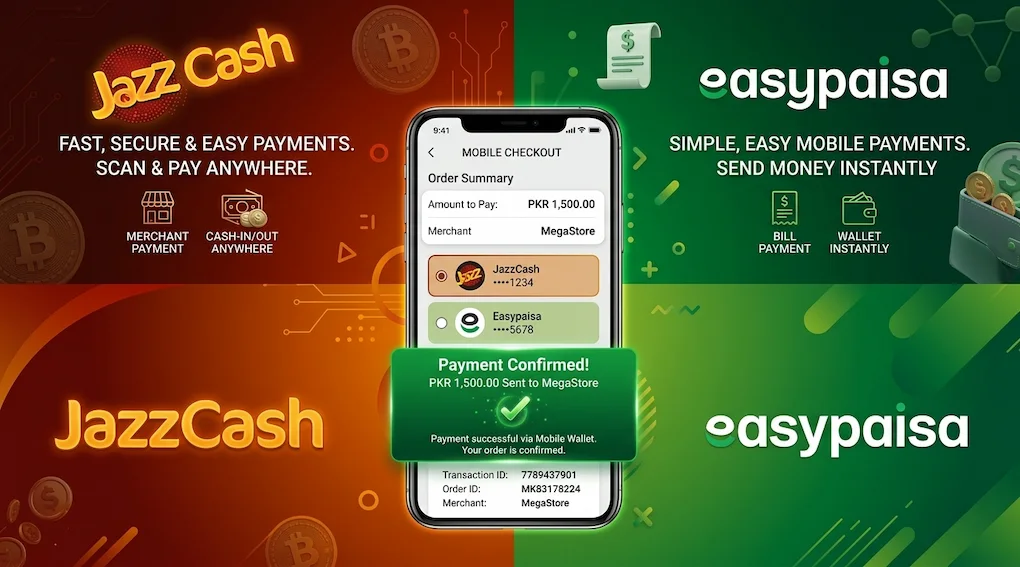
Can You Transfer Money Between JazzCash and Easypaisa?
Customers may want to transfer money between different mobile wallets. Available routes can depend on the transfer service, account status, and current rules.
Check the options displayed in your JazzCash app before initiating a transfer to an Easypaisa account. Verify the recipient information and any applicable fee before confirming the payment.
Do not assume that every transfer route has the same limits or processing time.
How Do JazzCash Withdrawals Work?
If you want to withdraw money, check the current withdrawal options provided by JazzCash. The availability of a cash-out method, transaction limits, and charges may depend on the account and service channel.
Review the displayed details before proceeding. A transaction may be delayed by verification requirements or technical problems, so instant completion should not be assumed.
If a withdrawal remains pending or the amount is deducted without the expected outcome, check your transaction history and contact official customer support.
How to Check JazzCash Balance
People often search for how to check JazzCash balance because they want to confirm how much money is available before making a payment.
Check Your Balance Through the App
- Open the official JazzCash app.
- Log in using your registered account details.
- Find the balance or account section.
- Follow any verification instructions displayed.
- Review your available balance before making a transaction.
The location of the balance display may change after an app update. If you cannot see it, explore the account menu or consult official support.
Can You Check Your Balance Without the App?
Alternative balance-inquiry methods may be available depending on your account and mobile network. Check the official JazzCash website or contact customer support to confirm the currently supported method and any applicable charges.
Avoid relying on old codes shared on unknown websites because service codes and conditions can change.
How to Change Your JazzCash Account Number
The search term how to change JazzCash account number can refer to changing a registered mobile number, replacing a SIM, or moving account access to a different phone.
These situations may require different procedures because a mobile wallet is connected to identity and verification information.
Before making a change:
- Check whether the required option is available in the official app.
- Contact customer support if the registered number needs to be changed.
- Ask which identity-verification documents or steps are required.
- Confirm how the change will affect account access and transaction records.
- Follow the official process rather than creating duplicate accounts.
If you have lost access to your old SIM, explain the situation to official support. Do not give your PIN or OTP to an unofficial agent who promises to change your number quickly.
How to Delete a JazzCash Account
If you no longer want to use JazzCash, contact the provider to confirm its current account-closure procedure. Simply deleting the app from your phone does not necessarily close the financial account.
Before requesting closure, consider these steps:
- Review your balance and transaction history.
- Resolve pending transfers or payments.
- Ask how to handle any remaining funds.
- Contact official customer support for the closure requirements.
- Complete the required identity verification.
- Request confirmation that the account-closure process has been completed.
Keep any transaction records you may need later. If your account has a pending issue, ask support how it should be resolved before proceeding with closure.
JazzCash Helpline and Customer Support
The JazzCash helpline is an important resource for users who encounter login difficulties, failed transactions, verification issues, or questions about account access.
For the most reliable contact details, visit the official website:Official JazzCash website
You can use the website to locate current customer-care information and available complaint channels.
When Should You Contact the JazzCash Helpline?
Contact official support if:
- You cannot log in to your account.
- You have forgotten your PIN and cannot recover it.
- A transfer or withdrawal appears incomplete.
- You notice an unfamiliar transaction.
- Your account is restricted or verification fails.
- You need guidance about changing your registered number.
- You want to understand account-closure requirements.
When reporting a problem, provide the transaction date, amount, and reference number if relevant. Never disclose your PIN or OTP to someone who contacts you unexpectedly.
Safety and Responsible Use
Digital wallets can make payments convenient, but account security remains essential.
Download From an Official Source
Use the official application listing or a download link provided by JazzCash. Avoid modified APK files and websites that imitate the genuine service.
Protect Your PIN and OTP
Keep your security credentials private. Do not share verification codes through phone calls, text messages, social media, or messaging applications.
If you receive an unexpected login or verification request, do not approve it without understanding why it was sent.
Check Transactions Before Confirming
Always verify the recipient, amount, and fee shown on the confirmation screen. A few seconds of checking can prevent a payment from being sent to the wrong destination.
Be Careful With Suspicious Links
Fraudulent messages may imitate a bank, mobile wallet, or customer-care representative. They may promise prizes, threaten account closure, or ask you to verify your details through an unfamiliar link.
Instead of clicking, open the official app or website directly.
Review App Permissions
Check whether the application requests permissions that are necessary for its functions. Avoid giving sensitive information to unrelated apps that claim to help with JazzCash transactions.
Understand Financial Risks
Review the terms and charges for each financial service you use. If a product involves borrowing, repayment, or other financial commitments, make sure you understand the obligations before agreeing.
Never spend money you cannot afford to lose on an unverified promotion, and do not treat cashback or rewards as guaranteed income.
User Experience
JazzCash brings several everyday financial services together in one place. For people who regularly send money, pay bills, or purchase mobile balance, having these options available on a smartphone can be convenient.
The app’s usefulness depends on the features available to each customer, the device being used, and the quality of the internet connection. New users may need time to become familiar with the menus and transaction-confirmation screens.
Like other digital services, JazzCash may occasionally experience technical issues, verification delays, or temporary interruptions. A failed or pending transaction should be checked carefully before the user attempts it again.
The overall experience is best evaluated by considering practical needs: which payments are supported, what charges apply, how easily account information can be accessed, and how responsive official support is when a problem occurs.
Pros and Cons of JazzCash
Pros
- Provides access to supported digital payment services.
- Makes eligible money transfers possible through a mobile device.
- Offers bill-payment and mobile-recharge options.
- Includes account information and transaction records.
- Provides access to customer-support channels.
- Can reduce the need to handle cash for certain transactions.
Cons
- Some services may have transaction fees or limits.
- App-based access requires a compatible device and internet connection.
- Verification requirements can sometimes delay account access.
- Technical problems may temporarily affect transactions.
- Unofficial apps and fraudulent messages create security risks.
- Available features and promotional offers can change.
Final Verdict
JazzCash is a useful digital financial services platform for eligible customers in Pakistan who want to manage everyday payments from their phones. Its main functions include supported money transfers, utility payments, mobile top-ups, and account management.
For new users, understanding registration and verification requirements is an important first step. Existing customers can benefit from learning how to check their balance, review transaction records, contact the JazzCash helpline, and resolve common account problems.
The safest approach is to use the official app, check the current fees and limits, and protect your account credentials. No payment service is completely free from technical issues or fraud risks, so careful use matters. Overall, JazzCash can simplify routine financial tasks when its available services meet your needs. Review the terms of each feature and contact official support whenever you need help with an account or transaction.
Frequently Asked Questions
What is JazzCash?
JazzCash is a digital financial services platform in Pakistan. It provides eligible users with access to services such as money transfers, bill payments, mobile recharges, and other supported financial activities.
How can I download the JazzCash app?
Open Google Play on Android or the Apple App Store on iPhone. Search for the official JazzCash app, verify the publisher, and install it from the trusted listing. Avoid unofficial APK files.
How do I make a JazzCash account?
Open the official app and follow the registration instructions. You may need a valid mobile number, identity information, and additional verification. Check the current eligibility requirements before registering.
How can I check my JazzCash balance?
Log in to the official app and open the balance or account section. If you cannot access the app, contact official support to confirm whether another balance-inquiry method is available for your account.
What is the JazzCash helpline number?
JazzCash provides customer-support channels for account and transaction problems. Visit the official JazzCash website to confirm the current helpline number for your network and the appropriate complaint procedure
Can I change my JazzCash account number?
Changing a registered mobile number may require verification and assistance from the provider. Contact official support to confirm the procedure for your particular account. Do not share your PIN or OTP with anyone offering to make the change for you.
Download links
How to install JazzCash App Complete Guide to Download, Registration, Features, and Account Safety 2026 APK?
1. Tap the downloaded JazzCash App Complete Guide to Download, Registration, Features, and Account Safety 2026 APK file.
2. Touch install.
3. Follow the steps on the screen.